
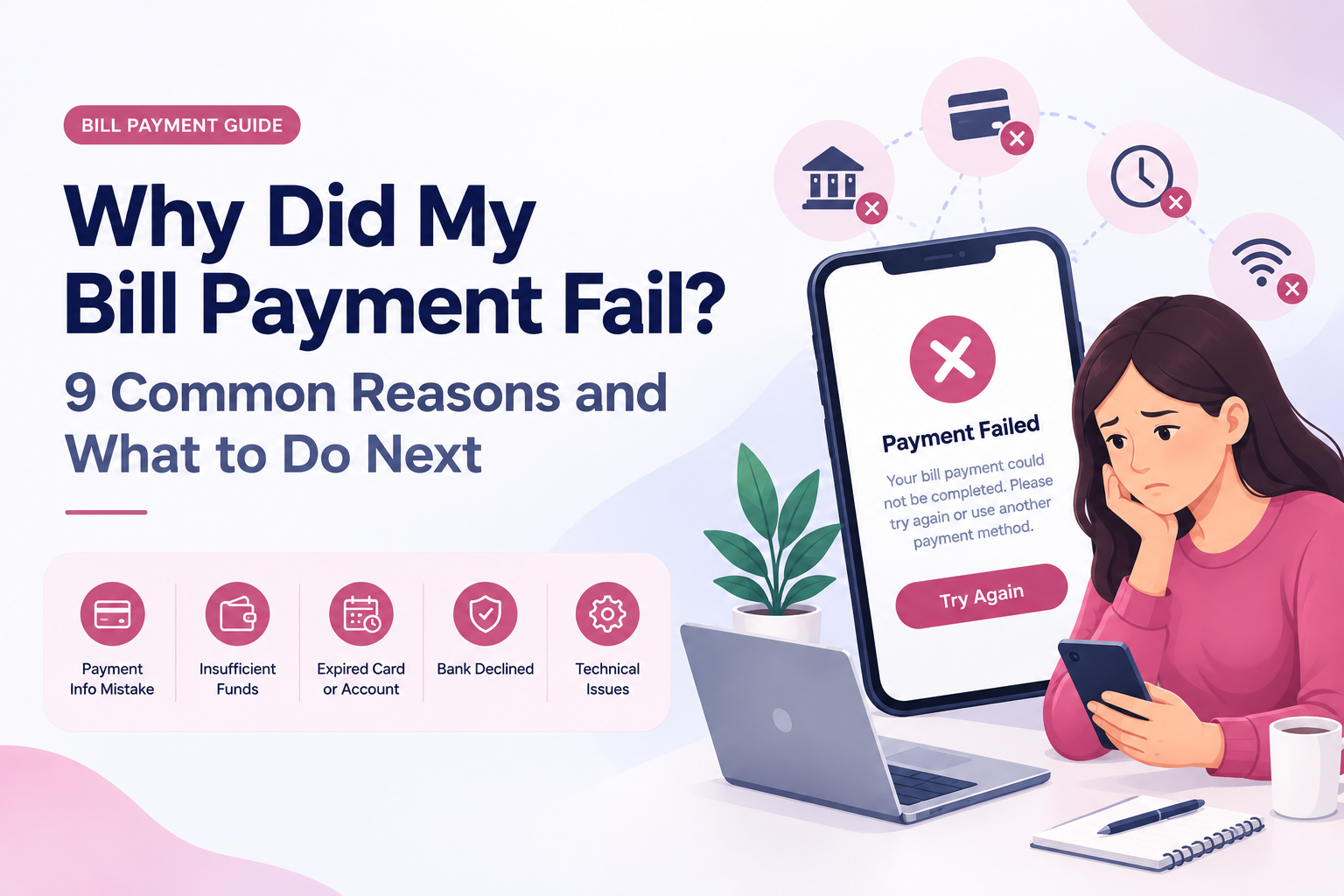

You make a payment, expect to see a confirmation, and instead get a message saying “Payment Failed” or “Transaction Declined.”
It can be stressful, especially when your bill is due soon. The good news is that a failed bill payment does not always mean there is a serious problem. Sometimes the reason is as simple as an expired card or incorrect billing information. Other times, the payment may not have actually failed at all—it could still be processing.
Before you try the payment again, take a moment to find out what happened to the first payment. That one step can help you avoid unnecessary delays or even paying the same bill twice.
The time required can vary depending on the biller, payment method, bank, and other factors. If you see a pending transaction, don't automatically submit another payment just because the bill still shows a balance. First, give the original transaction time to update or contact the biller if you're unsure about its status.
a) What does the payment status say?
Is it failed, declined, pending, or completed?
b) Does your bank or card account show a transaction?
Look for a pending or completed charge.
c) Does the biller's payment history show anything?
The biller's account history can provide information that isn't obvious from the payment screen.
d) Is your payment information correct?
Check the card, bank account, billing information, and customer account details.
e) Could the payment already have gone through?
If you're not sure, verify the first transaction before making another one.
Table of Contents
First, Check What “Failed” Actually Means
9 Common Reasons a Bill Payment Fails
So, What Should You Do When a Bill Payment Fails?
Should You Try the Payment Again?
What If Money Was Taken but the Bill Still Says Unpaid?
How to Reduce the Chances of a Failed Bill Payment
A Simple Bill Payment Troubleshooting Checklist
Frequently Asked Questions
Final Takeaway
First, Check What “Failed” Actually Means
When an online bill payment doesn't go through, the message on your screen may not tell you the whole story. A payment can be:- Declined — the transaction was not approved.
- Failed — the payment could not be completed.
- Pending — the transaction has been submitted but is still being processed.
- Completed — the payment went through, even if the bill hasn't updated yet.
9 Common Reasons a Bill Payment Fails
1. The Payment Information Was Entered Incorrectly
A simple mistake can stop a payment from going through. Depending on how you're paying, you may need information such as your card number, expiration date, security code, bank account details, billing ZIP code, or customer account number. Having the correct information needed to pay a bill online can help prevent simple errors before you submit the payment. Check the information carefully before trying again. This is especially important if you recently received a new card or changed your address.2. You Don't Have Enough Available Funds
Your account may show a balance that looks sufficient, but your available balance could be lower because of pending transactions or other charges. For example, if your account shows $300 but $200 is already tied up in pending transactions, you may not have enough available funds for a $150 bill payment. Check your recent transactions and available balance before attempting the payment again.3. Your Card Has Expired or Been Replaced
An expired card is an easy thing to overlook, particularly when it is saved for recurring payments. A payment can also fail if your card was:- Replaced
- Locked
- Reported lost or stolen
- Temporarily restricted
- No longer active
4. Your Bank or Card Issuer Declined the Transaction
Sometimes everything looks correct on your end, but the bank or card issuer doesn't approve the transaction. A financial institution may decline a transaction because of security controls, account restrictions, spending limits, or unusual activity. The biller's website may only show a general message such as “Payment declined.” If you don't know why the transaction was declined, check for an alert from your bank or card issuer.5. Your Billing Information Doesn't Match
Some payment systems verify information connected to your payment method. For card payments, this can include your billing address or ZIP code. If the information you enter doesn't match what your card issuer has on file, the transaction may be rejected. Double-check your billing information before submitting the payment again.6. The Biller's Website or Payment System Has a Temporary Problem
Not every failed payment is your fault. A biller's website, payment processor, or payment system can sometimes experience technical problems or temporary outages. You might see messages such as:- “Something went wrong.”
- “Unable to process payment.”
- “Payment temporarily unavailable.”
- “Please try again later.”
7. An Automatic Payment Didn't Go Through
Automatic payments can make monthly bills easier to manage, but they aren't completely hands-off. An automatic payment may fail because a card expired, an account changed, available funds were insufficient, or the transaction was declined. If you rely on AutoPay, check your payment history occasionally rather than assuming every scheduled payment was successful. If an automatic payment fails close to your due date, address it promptly so you don't accidentally miss the payment deadline.8. The Payment Is Still Pending
This is one of the most important situations to understand. A payment that says “Pending” isn't necessarily a failed payment. The transaction may still be moving through the payment process. For example: Payment submitted → Pending → CompletedThe time required can vary depending on the biller, payment method, bank, and other factors. If you see a pending transaction, don't automatically submit another payment just because the bill still shows a balance. First, give the original transaction time to update or contact the biller if you're unsure about its status.
9. The Payment Went Through, but the Bill Hasn't Updated Yet
Another common source of confusion is the difference between making a payment and the biller posting the payment. You may receive a confirmation number or see a transaction in your bank account while the biller's website still shows the old balance. That doesn't necessarily mean your payment failed. Keep your confirmation or receipt and check the biller's payment history. If the payment doesn't appear after the expected processing period, contact the biller and provide the payment details.So, What Should You Do When a Bill Payment Fails?
Don't panic—and don't immediately submit the payment again. Instead, work through these questions:a) What does the payment status say?
Is it failed, declined, pending, or completed?
b) Does your bank or card account show a transaction?
Look for a pending or completed charge.
c) Does the biller's payment history show anything?
The biller's account history can provide information that isn't obvious from the payment screen.
d) Is your payment information correct?
Check the card, bank account, billing information, and customer account details.
e) Could the payment already have gone through?
If you're not sure, verify the first transaction before making another one.
Should You Try the Payment Again?
Sometimes yes—but only after you know what happened to the first attempt. If the payment was clearly declined because of incorrect information, you can correct the problem and try again. If your card expired, update the payment method first. If your bank declined the transaction, find out why before making another attempt. But if the payment is showing as pending, or money appears to have been taken from your account, don't blindly submit another payment. You could end up creating a duplicate transaction.What If Money Was Taken but the Bill Still Says Unpaid?
This situation can be confusing. Suppose you paid $100, your bank shows the transaction, but the biller's website still says you owe $100. Before paying again, collect the details of the original transaction:- Payment date
- Payment amount
- Payment method
- Transaction status
- Confirmation number
- Receipt or confirmation email
How to Reduce the Chances of a Failed Bill Payment
You can't prevent every payment problem, but a few simple habits can help.Keep payment information current
Replace expired cards and update payment details when your account information changes.Check available funds
Don't rely only on the balance shown in your account. Consider pending transactions and other scheduled payments.Review AutoPay
If you use automatic payments, periodically check that they are still active and using a valid payment method.Save your confirmations
For important bills, keep the confirmation number, receipt, or confirmation email until the payment has posted.Don't rush to pay twice
If a payment appears to have failed, check its status before submitting another transaction.Pay before the last minute
Giving yourself some time before the due date gives you an opportunity to fix a failed payment without unnecessary stress.A Simple Bill Payment Troubleshooting Checklist
If a payment fails, ask yourself:- Did the payment actually fail, or is it pending?
- Does my bank or card account show a transaction?
- Is there enough available money or credit?
- Is my card current and active?
- Did I enter the correct billing information?
- Does the biller's payment history show the transaction?
- Do I have a confirmation number or receipt?
- Could the original payment have already gone through?
Frequently Asked Questions
Why did my bill payment fail?
A bill payment can fail because of incorrect payment information, insufficient available funds, an expired card, a bank or card issuer decline, billing-information mismatch, a technical issue, or another payment-processing problem.
Why does my bill payment say declined?
“Declined” generally means the transaction was not approved. Your bank, card issuer, payment method, or the biller's payment system may provide the exact reason.
Should I try a failed bill payment again?
Not automatically. First, determine whether the original payment was declined or is pending or completed. Once you know what happened, you can decide whether another payment attempt is necessary.
What if my payment failed but money was taken from my account?
Check whether the transaction is pending or completed. If money was taken but the bill hasn't updated, avoid immediately paying again. Check your payment history and contact the biller or payment provider if necessary.
Why did my automatic bill payment fail?
Automatic payments can fail because of an expired payment method, insufficient available funds, account changes, a bank decline, or other processing issues.
How long does a bill payment take to process?
There isn't one processing time for every bill. It can depend on the biller, payment method, financial institution, and transaction. A payment may also remain pending before it is completed or posted.