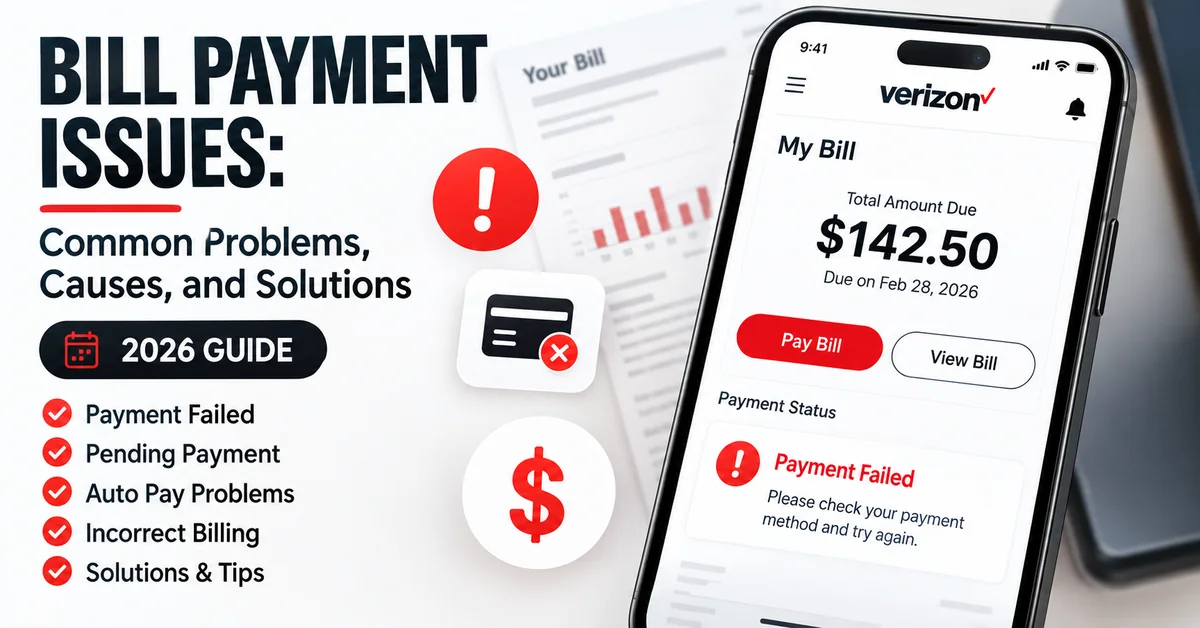
Managing your Verizon account online is usually quick and convenient, but sometimes customers may face payment-related issues. Problems such as declined transactions, pending payments, login difficulties, Auto Pay failures, or unexpected billing amounts can create unnecessary confusion and delays. At
JustBillsPay, we help users understand online bill payment processes and find simple solutions to common billing problems. Understanding the reasons behind Verizon payment issues and knowing how to fix them can help you complete payments faster and avoid unnecessary service interruptions. Whether you use Verizon Wireless, Verizon Fios, or Verizon Home Internet, this guide covers the most common Verizon bill payment problems, their possible causes, and practical solutions to resolve them.
Common Verizon Bill Payment Problems
Although Verizon provides multiple secure payment options, customers may occasionally experience payment-related issues. Below are some of the most common Verizon billing problems and their solutions.
| Verizon Payment Problem |
Possible Cause |
Solution |
| Payment declined |
Incorrect card details, bank restrictions, or insufficient funds |
Verify payment details or try another payment method |
| Payment showing pending |
Transaction is still being processed |
Wait and check payment history later |
| Unable to log in |
Password or account access issue |
Reset login credentials |
| Auto Pay failed |
Expired card or outdated payment information |
Update your payment method |
| Incorrect bill amount |
New charges, upgrades, or additional services |
Review your billing statement |
| Payment confirmation missing |
Notification delay |
Check your Verizon account payment history |
Why Is My Verizon Payment Not Going Through?
One of the most common questions customers search online is:
"Why can't I pay my Verizon bill online?" A Verizon payment may fail because of several reasons, including:
- Incorrect credit or debit card information
- Expired payment card
- Insufficient funds in the bank account
- Bank security restrictions
- Temporary technical issues
- Incorrect account details
- Browser or app-related problems
Before submitting another payment, check that your payment information and account details are correct.
How to Fix Verizon Payment Failure
If your Verizon bill payment fails, follow these steps to resolve the problem:
1. Verify Your Payment Information
- Check your card number
- Confirm the expiration date
- Verify billing address details
- Make sure bank account information is correct
2. Try Another Payment Method
Verizon offers different payment options depending on customer preferences.
| Payment Method |
Best For |
| Credit or Debit Card |
Fast online payments |
| Bank Account |
Regular monthly payments |
| Auto Pay |
Automatic recurring payments |
| My Verizon App |
Managing payments from mobile devices |
| Phone Payment |
Customers without internet access |
3. Update Your Saved Payment Method
Old or expired payment information is one of the most common reasons for failed payments. Make sure your saved payment details are updated regularly.
- Replace expired cards
- Update changed bank accounts
- Confirm billing information
Verizon Payment Pending: What Does It Mean?
Sometimes after making a payment, your Verizon account may show a pending status. This usually means the payment has been received but is still being processed.
| Payment Status |
Meaning |
Action Required |
| Pending |
Payment is being processed |
Wait for confirmation |
| Completed |
Payment successful |
No action required |
| Failed |
Payment was rejected |
Submit a new payment |
| Reversed |
Payment was returned |
Check payment method |
How Long Does Verizon Bill Payment Take?
Payment processing time depends on the payment method selected. Online payment methods are usually faster compared to traditional payment options.
| Payment Method |
Expected Processing Time |
| Online payment |
Usually processed quickly |
| My Verizon App |
Usually receives fast confirmation |
| Auto Pay |
Processed automatically on scheduled date |
| Bank payment |
May require additional processing time |
| Mail payment |
Several business days |
For more payment options and instructions,
check our complete guide on pay Verizon bill.
Verizon Auto Pay Problems and Solutions
Auto Pay is one of the easiest ways to manage your Verizon monthly payments because it automatically charges your saved payment method on the scheduled billing date. However, sometimes Auto Pay may stop working due to outdated information or payment issues.
Common Reasons Verizon Auto Pay Fails
- Expired credit or debit card
- Changed bank account information
- Incorrect payment details
- Payment authorization failure
- Auto Pay settings were disabled
- Bank declined the transaction
How to Fix Verizon Auto Pay Issues
- Sign in to your Verizon account.
- Open the Billing or Payment Settings section.
- Review your current Auto Pay information.
- Update your payment method if required.
- Confirm that Auto Pay is active.
Keeping your payment information updated can help prevent missed payments and unexpected account issues.
Why Is My Verizon Bill Higher Than Usual?
Sometimes customers notice that their Verizon bill is higher than their regular monthly amount. This does not always indicate a billing error. Changes in plans, services, or usage can affect your monthly charges.
| Reason |
Explanation |
| New device purchase |
Device installment payments may increase your monthly bill |
| Plan upgrade |
A higher service plan can increase monthly charges |
| Added services |
Extra features, subscriptions, or protection plans may add costs |
| International usage |
Additional roaming or international charges may apply |
| Promotion ended |
Expired discounts can increase your bill amount |
How to Check Your Verizon Bill Details
- Log in to your Verizon account
- Open your billing statement
- Review current and previous charges
- Check additional fees or services
- Compare changes with previous bills
How to Check Verizon Payment History
Checking your payment history helps you confirm successful transactions, track previous payments, and maintain accurate billing records.
Steps to View Verizon Payment History
- Sign in to your Verizon account.
- Go to the Billing section.
- Select payment history.
- Review completed transactions.
- Save payment confirmation details if needed.
Payment history is useful when you need proof of payment or want to verify whether a previous transaction was completed successfully.
Verizon Bill Payment Made But Balance Still Shows Due
Sometimes customers complete a payment but still see an outstanding balance. This usually happens because the payment is still processing or the account has not updated yet.
Possible Reasons
- Payment processing delay
- System update delay
- Payment applied to another billing cycle
- Incorrect account information
What You Can Do
- Refresh your Verizon account
- Check payment confirmation
- Review payment history
- Wait for processing completion
- Contact Verizon support if the issue continues
Can I Pay Verizon Bill Without Signing In?
Yes, customers may be able to make eligible one-time payments without signing into their Verizon account. This option can be useful when you need to make a quick payment but do not have access to your account login details. Customers who frequently make online payments can explore different
VZW bill pay options for managing their accounts more efficiently.
Guest Payment Can Be Useful When:
- You forgot your account password
- You are using a different device
- You need to make a quick payment
- You do not want to save payment information
Verizon Bill Payment Security Tips
Protecting your account information is important when making online payments. Follow these security practices to keep your billing information safe.
- Use official Verizon payment channels
- Avoid entering payment details on suspicious websites
- Use strong account passwords
- Enable additional account security features
- Review payment confirmations
- Keep your contact information updated
- Avoid making payments through unsecured public networks
How to Avoid Future Verizon Payment Problems
A few simple habits can help prevent most Verizon payment issues.
- Enable Auto Pay for automatic payments
- Update payment information before expiration
- Check your bill before the due date
- Save payment confirmation emails
- Review monthly charges regularly
- Monitor account notifications
Verizon Payment Options Comparison
| Payment Option |
Advantages |
Best For |
| Online Payment |
Fast and convenient |
Customers who prefer manual payments |
| Auto Pay |
Prevents missed payments |
Customers with regular monthly bills |
| My Verizon App |
Manage payments anywhere |
Mobile users |
| Phone Payment |
No internet required |
Customers needing phone assistance |
| Mail Payment |
Traditional payment option |
Customers who prefer offline payments |
Final Thoughts
Issues with Verizon bill payments can happen for various reasons, including outdated payment information, transaction errors, or account-related problems. However, you can quickly resolve most payment issues by checking your payment details, updating your account information, or choosing an alternative payment method. At
JustBillsPay, we help customers find simple and convenient solutions for managing their online bill payments. Our guides make it easier to understand payment options, troubleshoot common billing problems, and manage accounts more efficiently. Using Verizon’s online billing tools allows you to make payments, review billing activity, track payment history, and keep your Verizon services active while avoiding unnecessary payment delays or interruptions.
Frequently Asked Questions About Verizon Bill Payment Issues
Why is my Verizon payment being declined?
Your Verizon payment may be declined because of incorrect payment details, expired cards, insufficient funds, or bank security restrictions. Verify your information and try submitting the payment again.
How do I fix a failed Verizon payment?
Check your payment method, update outdated information, and try another payment option through your Verizon account or mobile app.
How long does Verizon take to process a payment?
Most online Verizon payments are processed quickly, but the exact timing depends on the payment method used and transaction processing conditions.
Can I make a Verizon payment without logging in?
Yes, eligible customers can make certain one-time payments without signing into their Verizon account.
Why did my Verizon Auto Pay stop working?
Auto Pay may stop working because of expired cards, changed bank information, incorrect payment details, or authorization problems.
How can I check if my Verizon payment went through?
You can confirm your payment status by signing into your Verizon account and checking your payment history or recent billing activity.