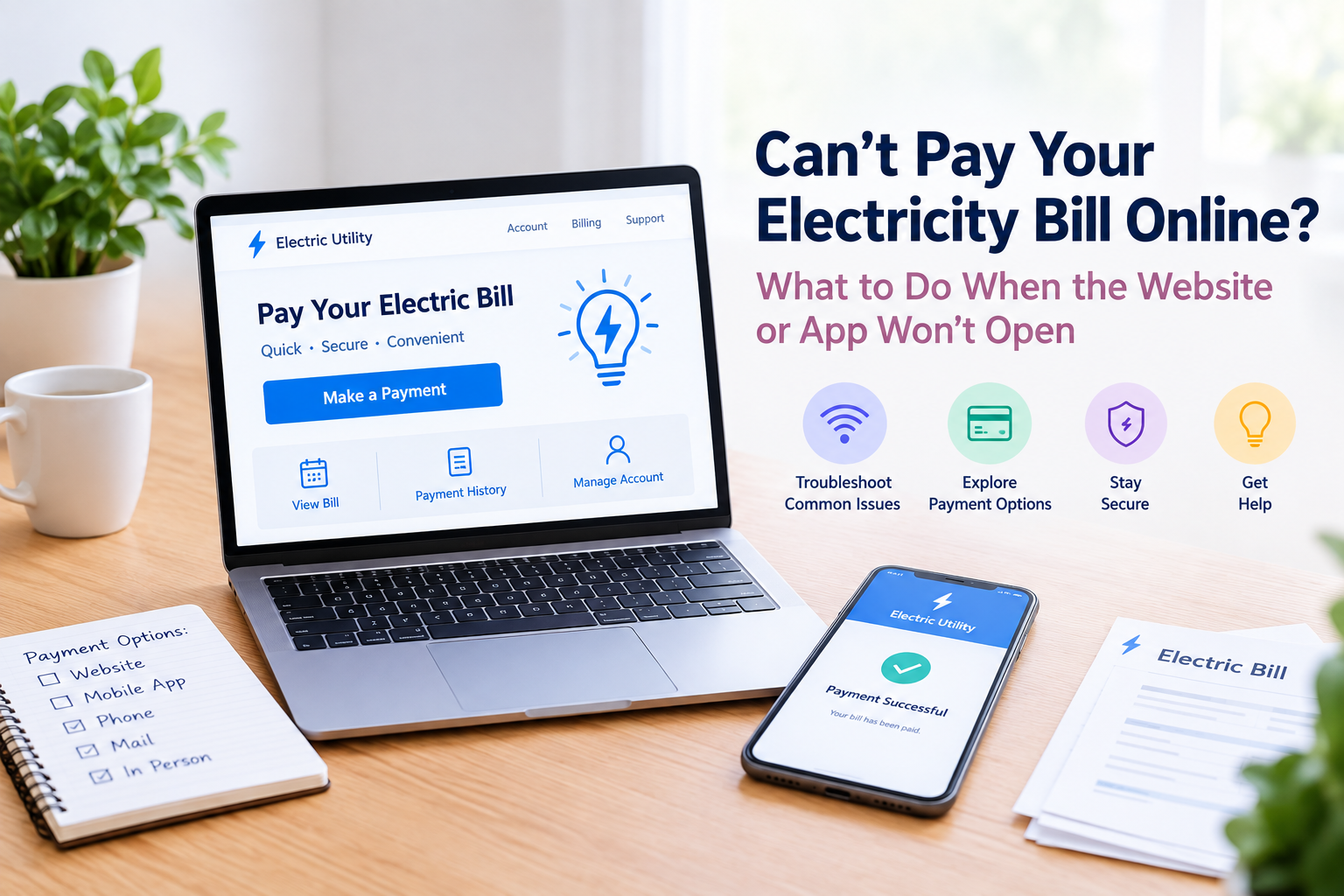

Trying to pay your electric bill online but the utility website will not open or the mobile app keeps failing? If your electricity bill is due soon, a technical problem can be frustrating, especially when you are unsure whether the issue is with your device, internet connection, or the utility's payment system.
Whether you normally use a utility website, mobile app, or one-time payment option, there are several things you can try. You may also have other ways to complete your electricity bill payment if the online system is temporarily unavailable.
Table of Contents
Why Isn't the Electricity Bill Payment Website or App Working?
What Should You Do If You Can't Pay Your Electric Bill Online?
How Can You Pay an Electric or Energy Bill Online?
What If the Website Opens but the Payment Won't Go Through?
What Does "Payment Failed" Mean?
What If Your Electric Bill Payment Is Pending?
Can You Pay Your Electric Bill Without Using the Website or App?
Can You Pay Your Light Bill Online?
What Should You Do If Your Electric Bill Is Due Today?
Is It Safe to Use a Third-Party Website to Pay an Electric Bill?
What Information May You Need to Pay an Electric Bill Online?
When Should You Contact the Electric Company?
Frequently Asked Questions
Need Help With Bill Payment?
Final Thoughts
Why Isn't the Electricity Bill Payment Website or App Working?
An electric utility website or mobile app can stop working for several reasons. The problem may be temporary and does not necessarily mean there is an issue with your account. Common causes include:- A temporary website outage
- Scheduled maintenance
- Problems with the utility's payment system
- A mobile app error
- An outdated app version
- Browser or cache problems
- Slow or unstable internet
- Incorrect account or payment information
- Problems with a card or bank payment
- High traffic on the utility's website
What Should You Do If You Can't Pay Your Electric Bill Online?
If you cannot pay your electric bill online, start with a few basic troubleshooting steps.1. Check Whether the Utility Website Is Down
Try opening the utility's official website from another browser or device. If the main website will not load at all, the issue may be on the utility's side rather than your computer or phone. Some utility companies also post service updates on their official social media accounts when websites or payment systems are undergoing maintenance. Always use the utility's official website when checking your account or making an online payment.2. Try a Different Browser
If the website opens but the payment page does not work, try another browser. For example, you can switch between Chrome, Edge, Safari, or Firefox. Opening the website in a private or incognito window may also help determine whether stored browser data or an extension is causing the problem.3. Clear Your Browser Cache
Old or corrupted browser data can sometimes prevent a payment page from loading correctly. Clearing your browser's cache and cookies may resolve the problem. After doing so, close and reopen the browser and visit the utility's official website again.4. Check Your Internet Connection
A weak or unstable internet connection can cause payment pages to load incorrectly or stop responding. Try switching between Wi-Fi and mobile data if both are available. If several other websites are also having trouble loading, the issue may be your internet connection rather than the electric utility.5. Update the Utility's Mobile App
If you normally use a mobile app for electric bill pay, check whether an updated version is available. An outdated app can sometimes have compatibility issues after the utility changes its payment system or other features. Download updates only through the official Apple App Store or Google Play Store.6. Restart the App or Your Device
A temporary software problem may sometimes be resolved by simply closing the app and reopening it. If that does not work, restart your phone and try the app again. You can also try accessing the utility's official website through a browser instead.How Can You Pay an Electric or Energy Bill Online?
When the utility's online payment system is working, customers may have several ways to make an energy bill payment. Depending on the provider, you may be able to:- Sign into your online utility account
- Make a one-time payment
- Use a debit or credit card
- Pay directly from a bank account
- Use an authorized payment service
- Make a payment through the utility's mobile app
What If the Website Opens but the Payment Won't Go Through?
Sometimes the utility website works normally, but the actual payment cannot be completed. If you can access your account but your payment will not submit, check the following:- Card number and expiration date
- Billing ZIP code
- Bank account information
- Available funds
- Payment amount
- Utility account number
- Any error message displayed on the payment page
What Does "Payment Failed" Mean?
A failed electric bill payment generally means the transaction was not successfully completed. However, a payment can sometimes take time to update in your utility account. Before making another payment, check your payment history, email inbox, bank account, or card account. Look for:- A payment confirmation
- A receipt
- A confirmation number
- A pending transaction
- A completed transaction
What If Your Electric Bill Payment Is Pending?
A pending payment may mean the transaction is still being processed. The time required for a payment to complete can vary depending on the utility, payment method, bank, and payment processor. > If your payment is pending:- Check your utility account for the latest status.
- Check your bank or card account.
- Look for a payment confirmation or receipt.
- Contact the utility if the payment remains unresolved.
Can You Pay Your Electric Bill Without Using the Website or App?
Possibly. Many U.S. electric utilities offer multiple payment methods. Depending on the provider, you may be able to make an electric bill payment by:- Phone
- Automated telephone system
- Bank account
- Debit or credit card
- In person
- Authorized payment locations
- One-time online payment
- Automatic payments
Can You Pay Your Light Bill Online?
Yes, if by “light bill” you mean your electric or electricity bill, you may be able to pay your light bill online through your utility company's official website or mobile app. “Light bill” is an informal term that some people use when referring to an electricity bill. Your utility may instead use terms such as electric bill, electricity bill, or energy bill. If the website or app is not working, check whether your utility offers another authorized payment method.What Should You Do If Your Electric Bill Is Due Today?
If your electric bill is due soon and the website or app is unavailable, do not simply keep refreshing the same payment page. Instead:- Check the utility's official website for service or maintenance notices.
- Look for alternative payment methods.
- Check whether telephone payment is available.
- Contact the utility if you are concerned about the payment deadline.
- Keep records of any error messages or failed payment attempts.
Is It Safe to Use a Third-Party Website to Pay an Electric Bill?
Be cautious when searching for alternative ways to make an electric bill payment. If the utility website is unavailable, you may find other websites claiming to offer energy bill pay services. Before entering your account or payment information, verify that the service is legitimate and accepted by your utility provider. Do not enter sensitive information into an unfamiliar website simply because the official payment page is temporarily unavailable. When possible, start with the payment instructions provided directly by your electric utility.What Information May You Need to Pay an Electric Bill Online?
The information required depends on your utility provider and payment method. An online payment may require:- Utility account number
- Name associated with the account
- Billing ZIP code
- Payment amount
- Debit or credit card information
- Bank account information
- Email address or phone number for confirmation
When Should You Contact the Electric Company?
You should consider contacting your utility directly if:- The website and app are both unavailable.
- You cannot determine whether your payment went through.
- Your bank account was charged but your utility account still shows an unpaid balance.
- You received an error that you cannot resolve.
- Your account still shows a past-due balance after making a payment.
- Your payment deadline is approaching.
- You need to find another payment method.
Frequently Asked Questions
Why can't I pay my electricity bill online?
You may be unable to pay because the utility website or app is experiencing an outage, undergoing maintenance, or having a payment-processing problem. Browser issues, internet problems, outdated apps, or incorrect payment information can also prevent an online electricity bill payment.
How can I pay my electric bill online?
You can usually pay through your electric utility's official website or mobile app if online payments are available. Depending on the provider, you may be able to make a one-time payment using a debit card, credit card, or bank account.
Can I pay my electric bill by phone?
Many U.S. electric utilities offer telephone payment options, but availability varies by provider. Check your utility's official website or customer service information to find out whether phone payment is available.
What if I was charged but my electric bill still says unpaid?
Do not immediately make another payment. Check your bank or card account for the transaction and look for a payment confirmation or transaction number. If the payment remains unresolved, contact the utility and provide the transaction details.
Can I make a one-time electric bill payment?
Some electric utilities offer one-time payments without requiring customers to enroll in automatic payments. The requirements and available payment methods vary by provider.
What does “pay light bill online” mean?
“Pay light bill online” is an informal way of referring to paying an electricity or electric utility bill online. Depending on the provider, you may find the payment option under terms such as electric bill pay, electricity bill payment, or online energy bill payment.
How can I avoid missing an electric bill payment when the website is down?
Check whether your utility offers payment by phone, mail, in person, or another authorized method. If your bill is due soon, contact the utility for guidance rather than repeatedly submitting payments through a website that is not working.