Pay Electricity Bill Online
Pay your electricity bill online with Just Bills Pay. Find your energy provider, review payment options, and manage your electric bill conveniently.
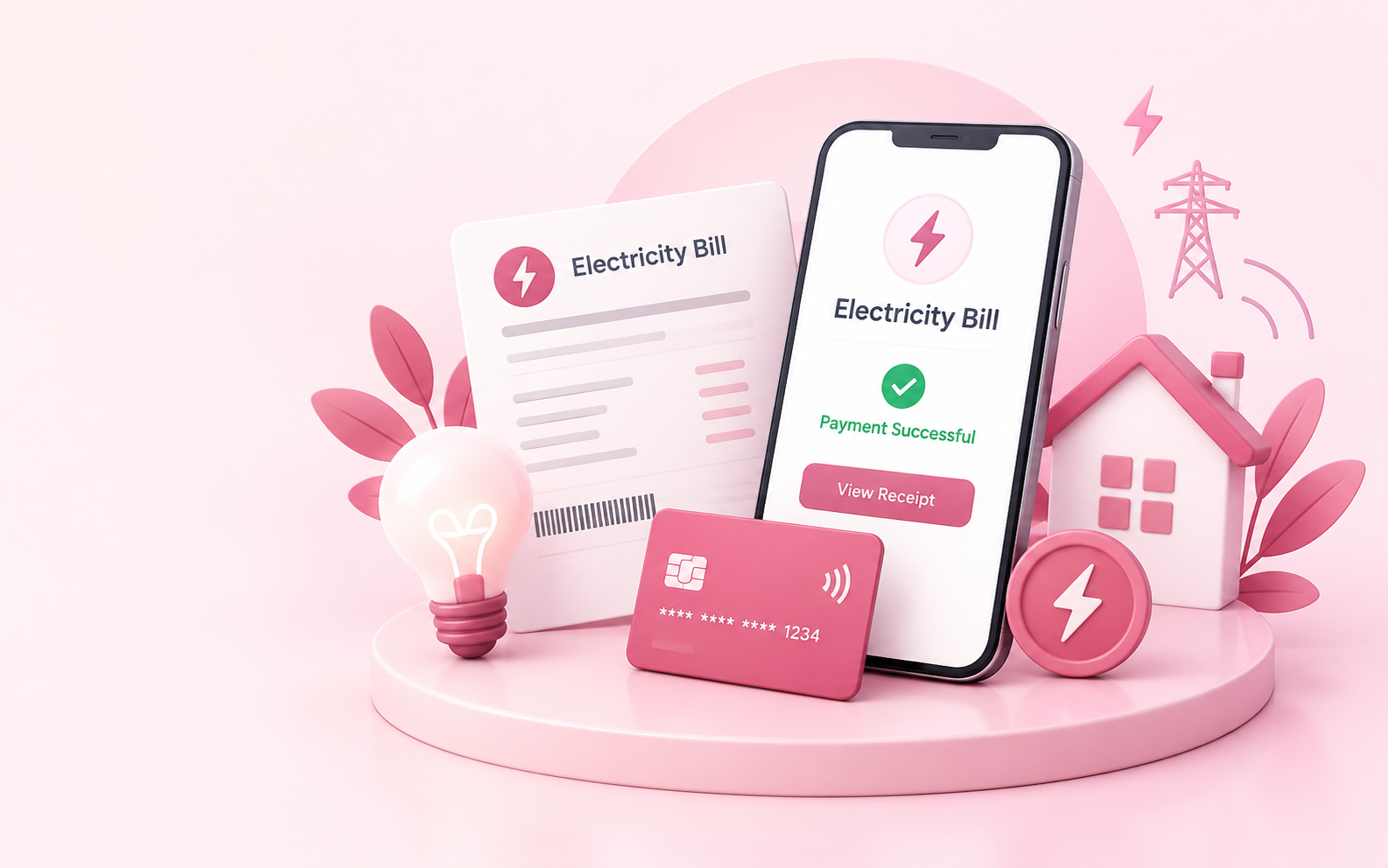
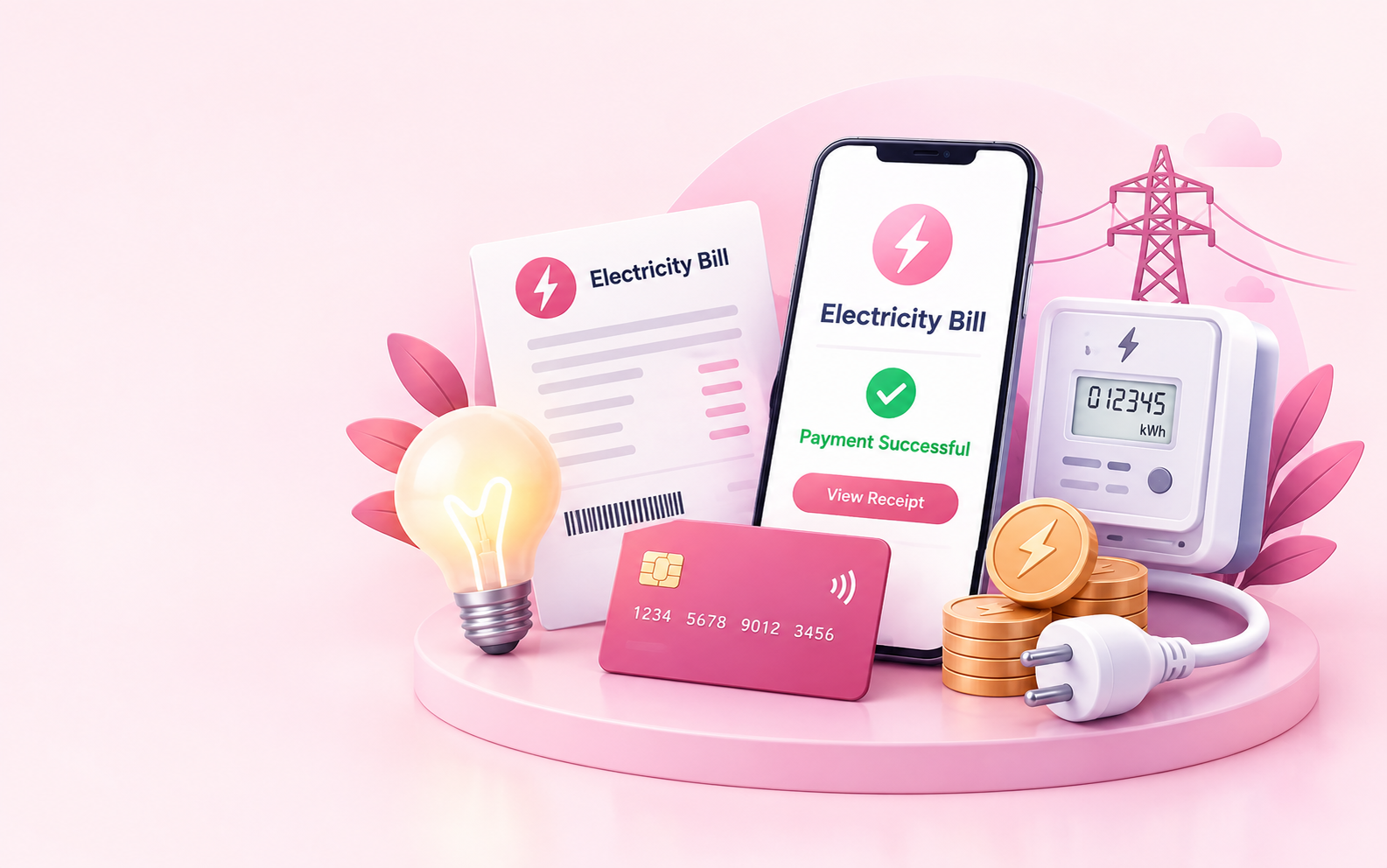
Electricity Bill Payment
Pay Electricity Bill Online
A reliable internet connection helps people work, learn, communicate, shop, and manage everyday activities. Whether it is a home WiFi connection, broadband service, or another internet plan, keeping your account updated with timely payments helps maintain uninterrupted connectivity.
Just Bills Pay provides a convenient way for customers to access supported WiFi bill payment and internet bill payment services online.
Instead of managing different payment processes separately, customers can use a simple online experience to explore available payment options and complete their supported bill payments.
From checking provider availability to entering account details and confirming payment information, Just Bills Pay helps make recurring internet bill management easier.
How to Pay Your Electricity Bill Online
Online electricity bill payment can save time by allowing you to manage your bill from a computer or mobile device. Depending on your utility provider and the payment service you choose, you may be able to use a bank account, debit card, credit card, or another supported payment method. Before making a payment, have your current bill or account information available. This can help you enter the correct customer details and avoid delays caused by incorrect information.
What Information Do You Need to Pay an Energy Bill?
The process for paying an electric bill online can vary by utility provider, but the general steps are straightforward:
1. Find your utility provider and billing information.
Check your latest bill for your account or customer number and other required details.
2. Choose an available online payment option.
Select the payment method supported by the provider or payment service you are using.
3. Enter your billing information.
Make sure your account details and payment amount are accurate before continuing.
4. Review the payment details
Check the account information, amount before submitting.
5. Complete the payment.
Follow the instructions to submit your electricity bill payment.
6. Keep your confirmation.
Save your confirmation number, receipt, or other payment record.
Energy Bill Pay Online: What Information Do You Need?
The information required for energy bill pay can depend on the utility provider and payment method. You may need some combination of:
Utility Account Number
Utility account or customer number.
Account Holder Name
Name associated with the account.
Billing Address
Billing ZIP code or service address.
Payment Amount
Current payment amount due..
Payment Method
Bank account or card information.
Contact Information
Email address or phone number for payment notifications.
PAYMENT METHODS
Electricity Bill Payment Options
There are several ways customers may be able to manage an electricity bill. Available options depend on the utility provider and location..
Online Payments
Online payment is useful when you want to manage your bill from a computer or mobile device. Depending on the provider, you may be able to make a one-time payment or use an online account.
Automatic Payments
Some utility companies offer automatic payment programs that can automatically charge an eligible payment method according to the provider's terms.
Phone Payments
Some electricity providers accept payments by telephone. Availability, payment methods, and fees can vary.
Bank Bill Pay
Your bank or credit union may provide a bill-pay service that allows you to schedule payments to participating utility companies.
In-Person Payments
Some utility providers maintain authorized payment locations where customers can pay their bills in person.
Payment by Mail
Many utility companies also provide instructions for customers who prefer to send a payment by mail.
COMMON QUESTIONS
Can You Pay a Light Bill Online?
Yes, "light bill" is a common informal term that some customers use when referring to an electricity or electric utility bill. If your utility provides online payment services, you may be able to pay your light bill online using one of its supported payment methods.
The exact process depends on the utility serving your address. Look at your bill to identify the provider and follow its payment instructions.
PAYMENT TROUBLESHOOTING
What If Your Electricity Bill Payment Fails?
An unsuccessful payment does not necessarily mean there is a problem with your utility account. Common causes can include incorrect account information, an expired card, insufficient funds, a declined transaction, or a temporary technical issue.
Check Information
Check the information you entered.
Payment Method
Confirm that your payment method is valid.
Bank or Card
Check whether your bank or card issuer declined the transaction.
Review Error
Review any payment error message.
Try Again
Try the payment again only after confirming the problem.
Contact Support
Contact your utility provider for assistance.
PAYMENT PROCESSING
How Long Does an Online Electricity Payment Take?
The time required for an electricity payment to appear on your utility account can vary.
A payment may be submitted immediately through an online payment system, but the utility's processing and posting time can be different. Weekends, holidays, payment methods, and the provider's processing procedures may also affect when a payment is reflected on your account.
If your payment is time-sensitive, check the payment confirmation and the utility provider's current processing information.
Processing Time Factors
Processing times may vary depending on:
- Utility provider
- Payment method
- Weekends & holidays
- Internal posting schedules
ONLINE PAYMENT SECURITY
Is It Safe to Pay an Electric Bill Online?
Online bill payment can be convenient, but customers should always make sure they are using a legitimate payment website and a secure connection.
Verify the Website
Check the website address and confirm that you are paying the intended utility or payment service.
Review Payment Details
Review the transaction details carefully before submitting your payment information.
Protect Your Credentials
Never share your account password, card PIN, or other sensitive credentials with anyone claiming immediate payment is required.
How to Find Your Electricity Account Number
Your electricity account number is generally associated with your utility account and can often be found on a recent bill. Depending on the provider, it may also be available after signing in to your online utility account.
If you cannot locate the number, check your utility provider's billing instructions or contact its customer service team using an official contact method.
Recent Bill
Your account number is usually printed on your latest electricity bill.
Online Account
Sign in to your utility provider's online account to view your account details..
Billing Instructions
Review your provider's billing instructions for guidance on locating your account number.
Customer Support
Contact your utility provider's customer service using an official support channel.
ONE-TIME PAYMENTS
One-Time Electricity Bill Payment
If you do not want to enroll in automatic payments, a one-time electricity bill payment may be an option offered by your utility provider or payment service.
A one-time payment can be useful when you simply want to pay your current balance without setting up a recurring payment arrangement.
Before submitting the payment, check whether the provider charges a convenience fee and when the payment will be credited to your account.
One-Time Payment
Pay your current electricity bill without enrolling in recurring automatic payments.
Check Fees
Review whether the provider charges a convenience fee before submitting your payment.
Confirm Processing
Verify when your payment will be credited to your utility account.
FAQs
In many cases, yes. Many U.S. electricity providers offer online payment options. The available methods and requirements vary by provider.
Identify your electricity provider, have your account information ready, select an available payment method, review the payment details, and complete the transaction through the appropriate payment service.
You may need your utility account number, billing information, payment amount, and details for your selected payment method.
If your electric utility offers online payments, you may be able to pay your light bill online. "Light bill" is commonly used to describe an electricity bill in some parts of the United States.
Some utilities and payment services allow one-time payments without enrolling in automatic payments. Check the options available for your specific provider.
Processing times vary by utility, payment method, weekends, holidays, and other factors. A payment confirmation does not necessarily mean the utility account has already been updated